
Volunteering and Service Opportunities
Volunteering and Service Opportunities
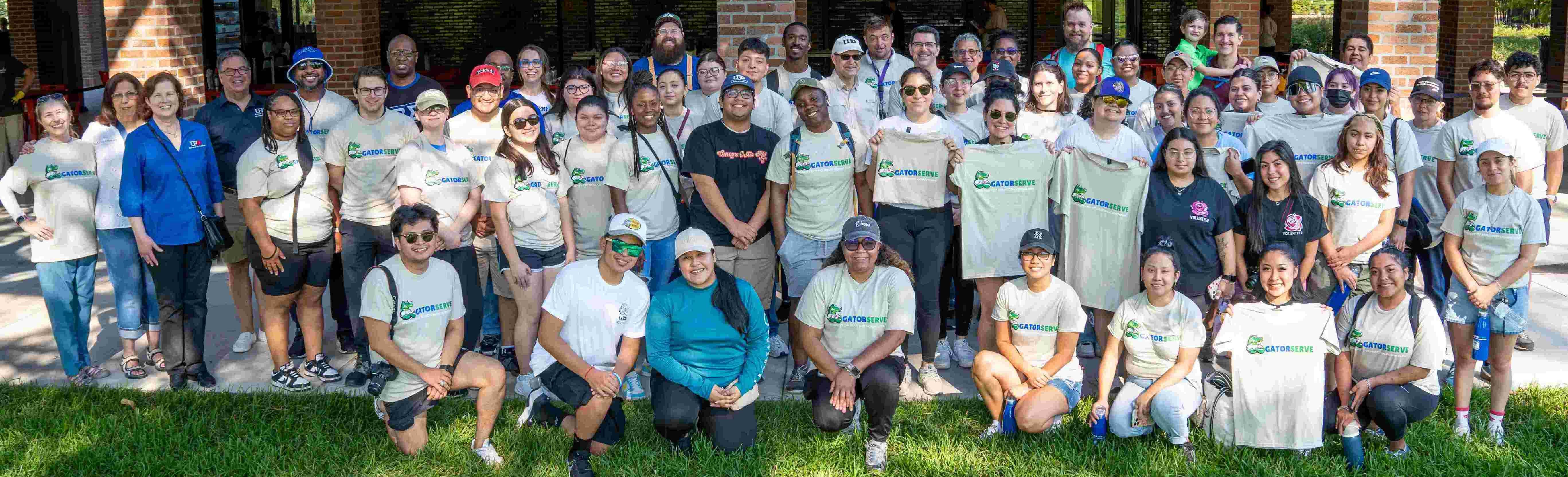
Volunteer service is a core part of the University of Houston–Downtown experience that goes beyond just GatorServe and CCESL. Through service, students develop leadership skills, strengthen their connection to Houston, and live out UHD’s mission of preparing engaged, civically minded graduates. For a list of easy to join, ongoing, volunteer opportunities, check out our Community Partner Volunteer Postings Page.
Other ways to join fellow Gators in group volunteering is to engage in a Student Organization or Greek Organizations. However, if you don't want to join a group, missed GatorServe, or are simply looking for more volunteer time, CampusGroups is the best place to look.
CampusGroups
CampusGroups is UHD’s official platform for discovering, tracking, and verifying volunteer service opportunities. As such, all those interested in volunteering to help their community are encouraged to use the platform to find, sign up for, and verify hours for your volunteering needs.
Below is a guide to help you use groups for your volunteering needs!
Part I: How to Find Community Service Opportunities
- Go to Campus Groups and sign in using your UHD credentials.
- From the top navigation bar, click on “Events.”
- Use the event filters to select Community Service, Volunteer, or Service Learning
opportunities or (see step 4). - Use the search bar and keywords such as “volunteer,” “service,” or “community.”
- Click on an event to review the date, time, location, and expectations.
- Click “RSVP” or “Register” so your participation is officially recorded.
- Visit the “Groups” tab and join organizations such as the Center for Community Engagement & Service Learning (CCESL) to see recurring opportunities.
Part II: How to Input and Verify Service Hours
- Log in to UHD CampusGroups and select the “Home” tab.
- On the left-side menu, locate and expand “My Involvement.”
- Click on “My Service Hours.”
- Select “Add Service Hours” in the top-right corner.
- Complete the service hours form with accurate dates, times, and organization details.
- Upload verification documents if available (photos, emails, or verification letters).
- Click “Next” to submit your service hours.
- Confirm that your hours appear in the list with a status of “Pending Verification.”
- Wait for verification by your student organization officers or the Office of Student Leadership & Involvement (SLI).
*Important Reminder: Always RSVP for service events and submit your hours promptly.
Keeping your CampusGroups record up to date is important for leadership programs,
scholarships, graduation recognition, and future professional opportunities.
Need Some Guidance?
If you need some guidance on how to get started volunteering, or know of a volunteering opportunity you would like to see posted to Campus Groups, please reach out to ccesl@uhd.edu.