
Gator Card
Unlock Campus Life: Your Gator Card Guide
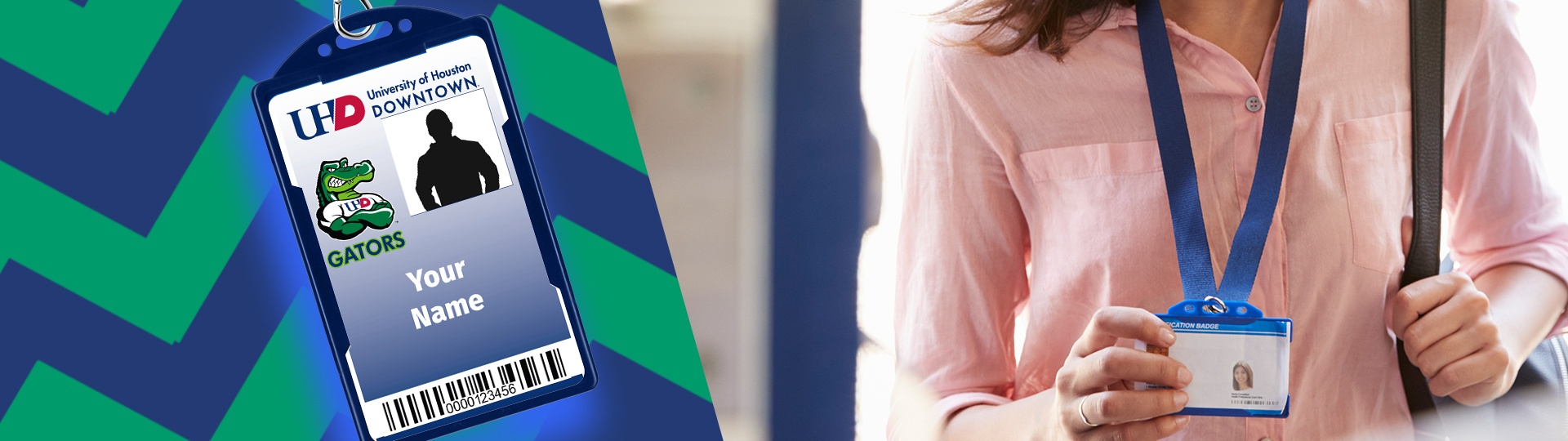
Welcome to the Gator Card—UHD's all-in-one digital ID for students, faculty, and staff. Swipe, tap, or scan your way into the library, cafeteria, food markets, food trucks, garages, offices, and even the Wellness and Success Center. It's your key to everything UHD has to offer.
Ready for a Fresh Start? Active students and employees: Follow these 3 quick steps to get or update your Gator Card. Alumni: Swing by the Gator Card Office (One Main Building, S446) for in-person processing.
STEP 1: Snap & Submit Your Photo
Kick things off by uploading a fresh, compliant photo—reviews take just 24-48 business hours. You'll get an email with approval (or next steps).
- Open the Gator Card Portal in your phone's browser.
- Tap the menu icon (three lines, top left).
- Click Upload Your Photo from the left navigation panel.
- Follow the submission instructions and complete the software verification process.
-
Have your government-issued ID ready (driver's license, state ID, U.S. passport, permanent resident card, or military ID).
Pro Tip: Snap a clear, head-and-shoulders shot against a plain background for faster approval.
STEP 2: Go Digital - Add to Your Wallet
Photo approved? Seamlessly add your Gator Card to Apple or Google Wallet for on-the-go access. No more fumbling for plastic!
- Open the Gator Card Portal in your phone’s browser.
- Tap the menu icon (three lines, top left).
- Select Display Virtual ID.
- Choose Add to Apple Wallet or Gpay | Save to Phone.
- Hit Add—done! Your ID is now wallet-ready.
Watch our quick How-To Video for a visual walkthrough.
STEP 3: Secure Your Access ID Card
Students: Stick to your virtual wallet ID. Faculty and staff: Request a physical Access ID for building entry and ID verification. Student requests will be routed to the Chief of Police for review.
- Confirm your photo approval first.
- Submit the New Access ID Card Request Form:
- We'll email your pickup slot at the Gator Card Office (OMB S446).
- Bring your government-issued ID
Note: For security reasons, UHD does not mail out access ID cards.
Need More Access? Modify Your Card
Got an existing Access ID but need extra building entry? Update it hassle-free.
- Fill out the Cardholder Modification Request Form.
- We'll process and notify you pronto.
Questions? Drop by the Gator Card Office (OMB S446) or email gatorcard@uhd.edu. Let's make your UHD experience seamless—get your Gator Card today!